Biomes O' Plenty for Minecraft 1.20.1
Setting up Biomes O' Plenty on the 1.20.1 line: loader choice, the TerraBlender requirement and when GlitchCore becomes necessary for 1.20.1 builds.
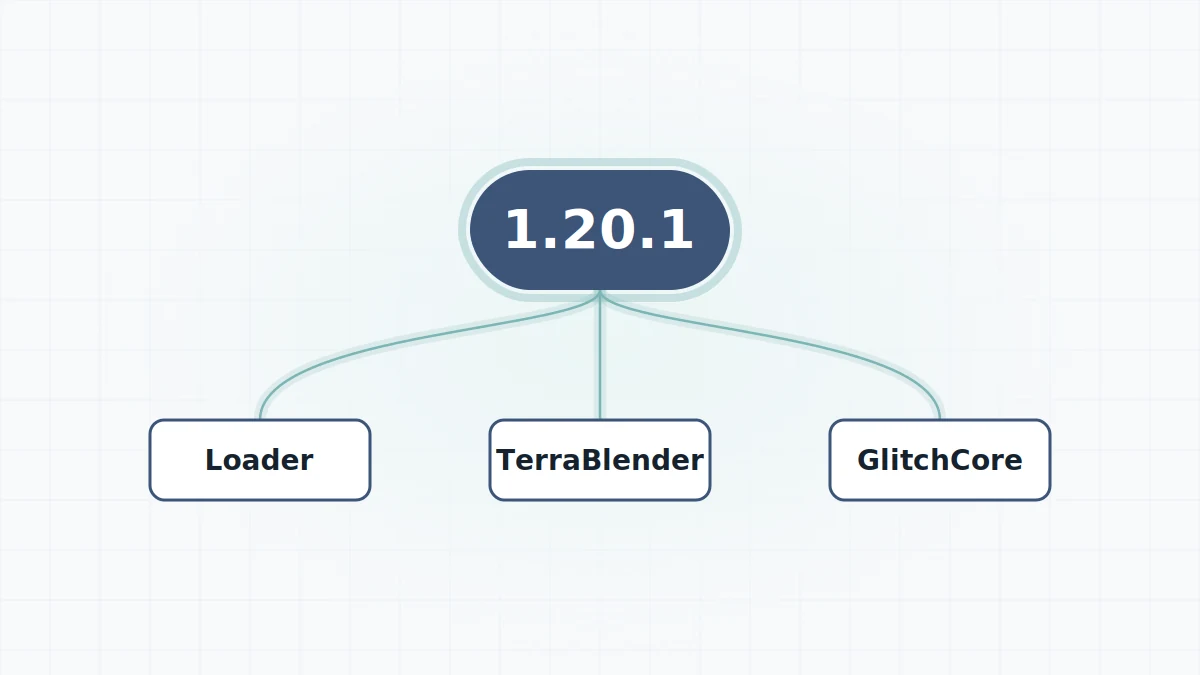
Minecraft 1.20.1 became a long-lived modding version, and many large modpacks settled on it. If you search for "Biomes O' Plenty 1.20.1" you are probably building or joining one of those packs. The good news is that the setup is straightforward once you know one detail about GlitchCore.
Why 1.20.1 is popular
A lot of mods kept publishing updates for 1.20.1 long after newer Minecraft versions arrived, which made it a stable base for packs. That popularity also means you will find many different Biomes O' Plenty builds for 1.20.1 over time, so pay attention to the exact mod version number, not just the Minecraft version.
What 1.20.1 needs
- A loader. Check the release page to see which loaders the 1.20.1 build you want is published for; Forge is the common choice on this version.
- Java 17. Minecraft 1.20.1 runs on Java 17, which the official launcher provides.
- TerraBlender for 1.20.1 and your loader, because TerraBlender is required for Minecraft 1.18 and newer.
- GlitchCore, depending on the mod version (see below).
The GlitchCore rule
This is the detail that catches people out. The mod's project page says GlitchCore is required for Minecraft 1.20.4 and above, and is also required on 1.20.1 for mod version 19.0.0.91 and above. In practice:
| Biomes O' Plenty build on 1.20.1 | GlitchCore needed? |
|---|---|
| Older than 19.0.0.91 | No |
| 19.0.0.91 or newer | Yes |
If you update the mod inside an existing 1.20.1 pack and the game suddenly refuses to start, a missing GlitchCore jar is the first thing to check.
Setup steps
- Install your loader for 1.20.1 and launch its profile once.
- Add TerraBlender for 1.20.1 and the same loader.
- Add GlitchCore if your mod build is 19.0.0.91 or newer.
- Add the Biomes O' Plenty 1.20.1 jar.
- Launch and create a new world. No special world type is required.
The complete procedure, including folder paths for each operating system, is in how to install Biomes O' Plenty.
Adding it to an existing world
On 1.20.1 you can add the mod to a world that already exists, but only chunks generated after the mod was added can contain its biomes. Areas you have already explored stay as they are. Many players simply travel a long way from spawn, into unexplored territory, to find the new content. Make a backup first, because removing a content mod later can leave missing blocks behind. If something goes wrong on launch, head to the crash fixes guide.