Biomes O Plenty Mod guides and tutorials
Nine focused guides: installation, loaders, specific Minecraft versions, Bedrock questions, safe downloads, crash fixes, performance and finding biomes.
How to install Biomes O' Plenty, step by step
A clear walkthrough for installing the Biomes O' Plenty mod: choosing a loader, adding TerraBlender and GlitchCore, and placing the files in your mods folder.
Read the installation guide
Running Biomes O' Plenty on Fabric
What the Fabric version of Biomes O' Plenty needs: Fabric Loader, Fabric API, TerraBlender for Fabric and GlitchCore, plus how to avoid mixing up loaders.
Open the loaders guide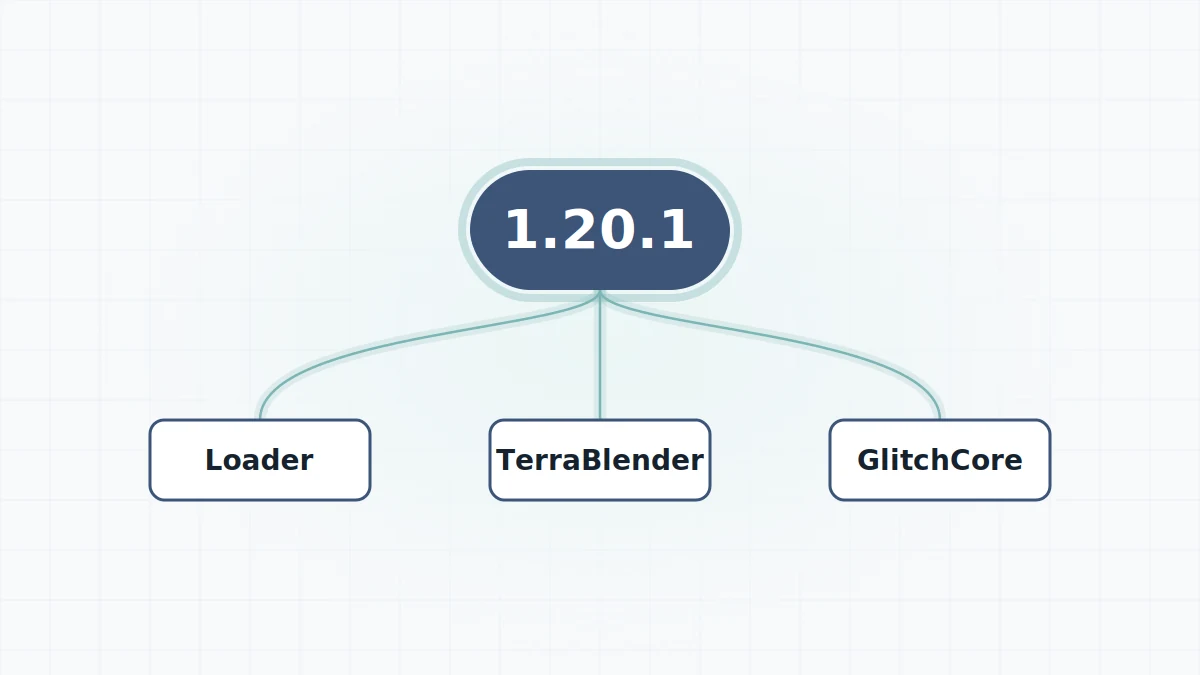
Biomes O' Plenty for Minecraft 1.20.1
Setting up Biomes O' Plenty on the 1.20.1 line: loader choice, the TerraBlender requirement and when GlitchCore becomes necessary for 1.20.1 builds.
Open the versions guide
Playing Biomes O' Plenty on Minecraft 1.12.2
How the legacy 1.12.2 line of Biomes O' Plenty differs from modern versions: Forge only, Java 8, the BIOMESOP world type and server settings.
Open the versions guide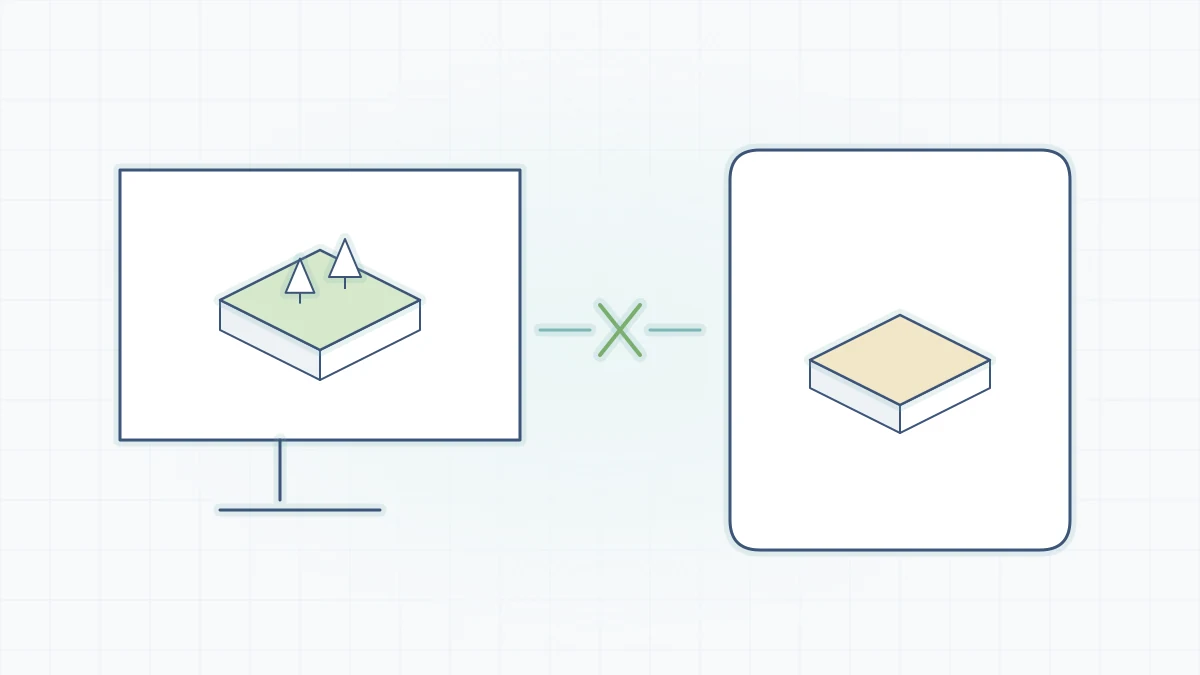
Biomes O' Plenty on Bedrock, MCPE and consoles
Can you play Biomes O' Plenty on Bedrock or Minecraft PE? How the Java mod differs from the Marketplace Add-On, and why jar files never work on Bedrock.
Open the platforms guide
Where to download Biomes O' Plenty safely
GitHub source archive, Modrinth or CurseForge? What each Biomes O' Plenty download source gives you and how to avoid unsafe re-upload sites.
Open the safety guide
Fixing common Biomes O' Plenty crashes and errors
Troubleshoot Biomes O' Plenty launch failures: missing TerraBlender or GlitchCore, wrong loader, version mismatch, Java problems and biomes that never appear.
Open the troubleshooting guide
Keeping Biomes O' Plenty worlds running smoothly
Practical ways to keep a Biomes O' Plenty world smooth: render and simulation distance, memory allocation, chunk pre-generation and sensible modpack habits.
Open the performance guide
How to find Biomes O' Plenty biomes
Locate specific Biomes O' Plenty biomes with the locate command, understand why explored chunks stay vanilla and find Overworld, Nether and End additions.
Open the exploration guide