A large set of new biomes
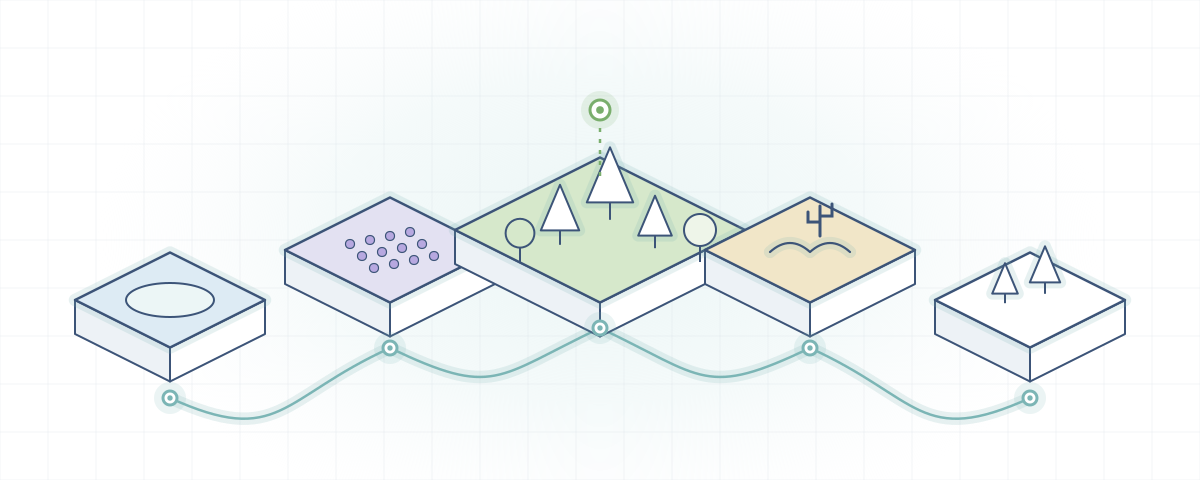
More than 50 biomes with a vanilla-inspired look: forests, wetlands, fields, beaches and colder landscapes.
- Redwood Forest
- Lavender Field
- Coniferous Forest
- Wetland
- Bog
- Seasonal Forest
- Pasture
- Dune Beach
More than 50 new biomes for the Overworld, Nether and End, with new trees, plants and blocks. Find the right version, loader and libraries, then install it without crashes.
Playing on phone or console? Read the Bedrock and MCPE guide first.
Biomes O' Plenty is a long-running biome mod for Minecraft: Java Edition. It adds a large set of new biomes with a vanilla-like style, so they sit naturally beside the game's own terrain.
The new biomes arrive with the things that make them recognisable: new trees and wood types, flowers, plants and building blocks. On Minecraft 1.18 and newer the mod uses the TerraBlender library to blend its biomes into normal world generation, so no special world type is required.
Five areas you will notice as soon as you explore a freshly generated chunk.
More than 50 biomes with a vanilla-inspired look: forests, wetlands, fields, beaches and colder landscapes.
Biome-specific trees add logs and planks in colours vanilla does not offer.
Ground cover and flowers make every biome recognisable at a glance, from pastures to bogs.
New biomes also generate in the Nether and the End, so late-game travel gets fresh scenery too. They appear in newly generated chunks of each dimension.
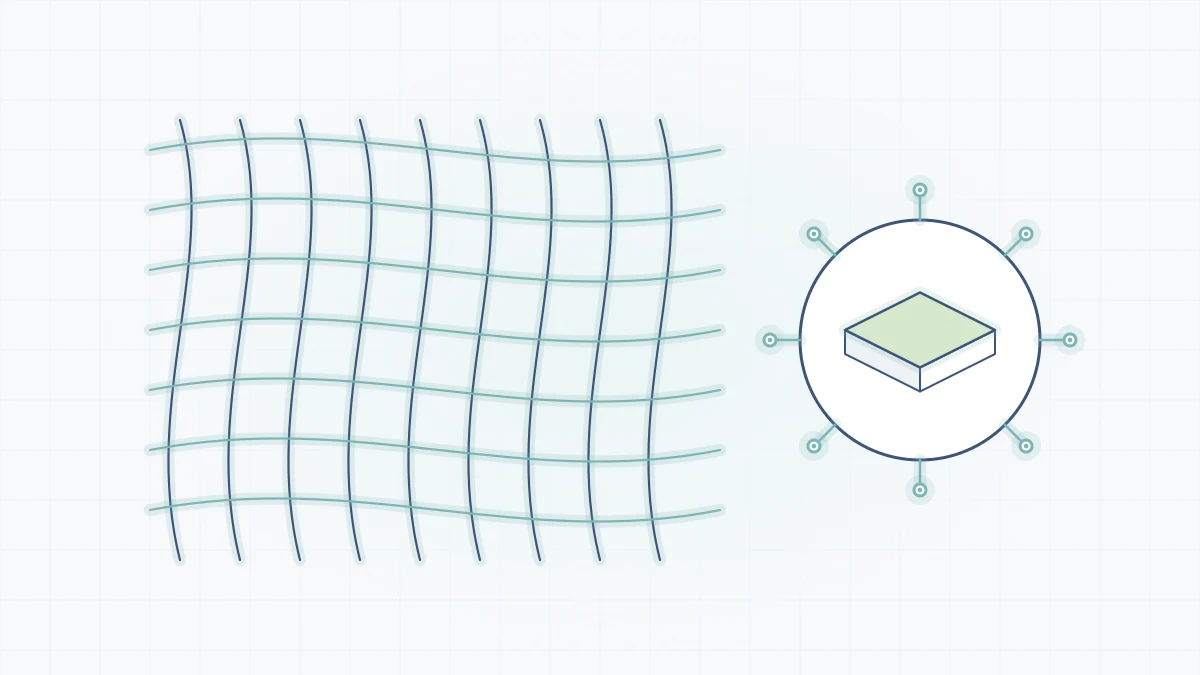
Modern versions rely on TerraBlender, a library made so several biome mods can add content to the same world. Pack makers can adjust behaviour through the config/biomesoplenty folder.
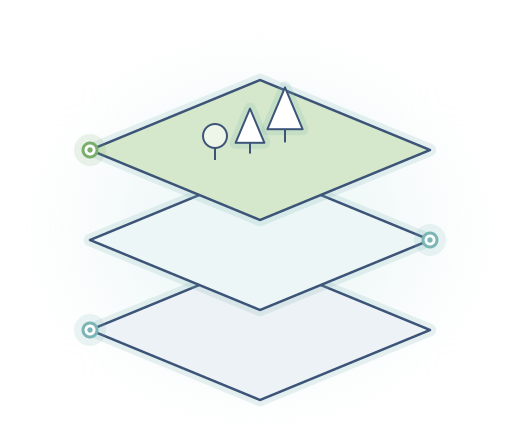
Each node depends on the one before it. If the chain is complete, new chunks generate with the mod's biomes.
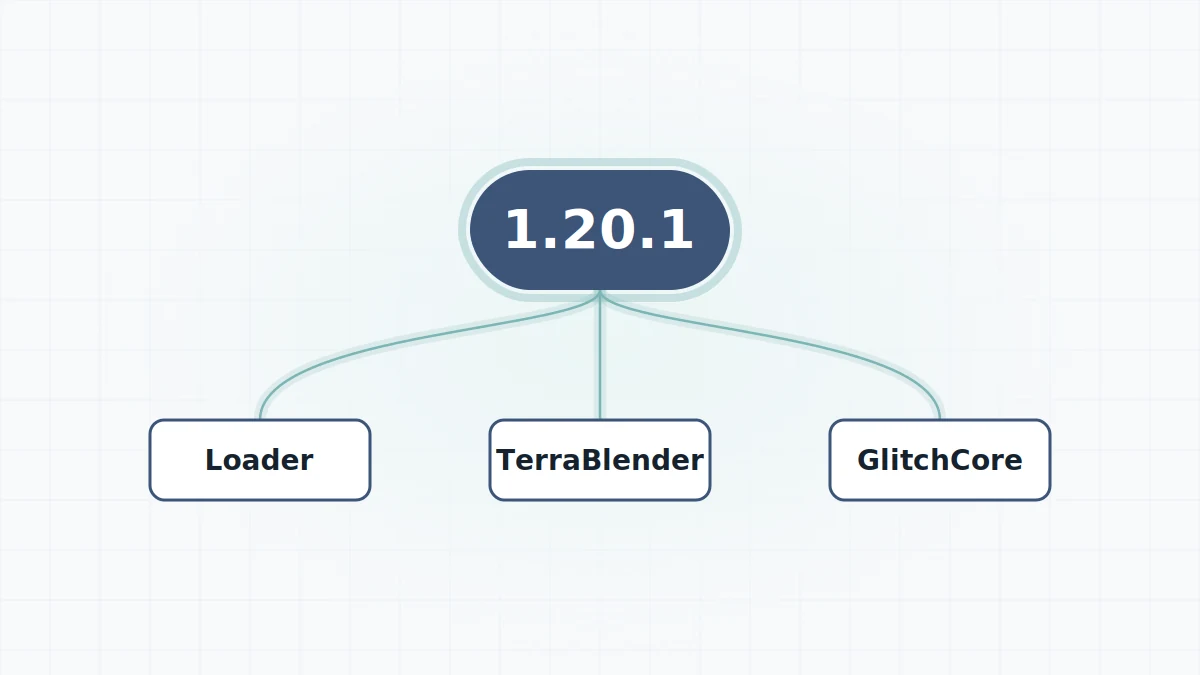
One Minecraft version, and a loader it supports: Forge, NeoForge or Fabric.
TerraBlender on 1.18+, GlitchCore where required, Fabric API on Fabric.
The loader reads the mods folder and registers the new biomes and blocks.
Create a world or explore unvisited land to see the biomes appear.
Different players install the same mod for quite different reasons.
When vanilla terrain feels familiar, new biomes give long journeys a purpose again. Every direction can lead somewhere you have not seen.
Extra wood types and plants widen the block palette for houses, gardens and landscaping.
A widely used biome mod that works alongside other TerraBlender-based mods, with a config folder for tuning.
From 1.18 onward, no server.properties change is needed. Install the same files on server and clients.
Distinct landscapes and colour palettes make cinematic worlds easier to compose.
New biomes in other dimensions make late-game trips less repetitive.
What the developers' own notes say for each era of the mod. Always confirm the loader tag on the exact file you download.
| Minecraft era | Loaders | Libraries | World setup |
|---|---|---|---|
| 1.12.2 and older | Forge | None; Java 8 runtime | Biomes O' Plenty world type Server: level-type=BIOMESOP |
| 1.15 to 1.17 | Forge | None | Biomes O' Plenty world type Server: level-type=biomesoplenty |
| 1.18 to 1.20.1 | Check the release page | TerraBlender; GlitchCore on 1.20.1 from mod 19.0.0.91 | Default worlds |
| 1.20.4 and newer | Forge, NeoForge, Fabric on recent releases | TerraBlender, GlitchCore; Fabric API on Fabric | Default worlds |
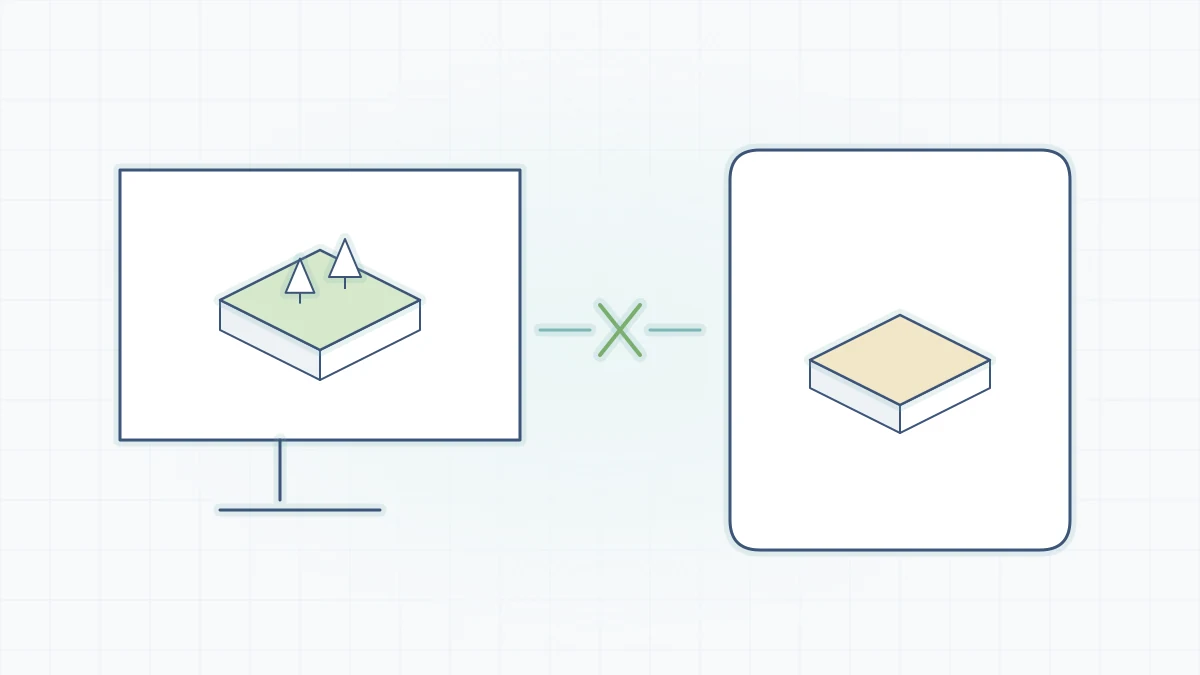
| Bedrock / MCPE | Not applicable | Separate Marketplace Add-On | Java files do not work |
Loader availability varies between individual releases. Details for Bedrock are in the Bedrock and MCPE guide.
26.3
The download link fetches the current state of this branch of the Glitchfiend/BiomesOPlenty repository at the moment you click. Branch contents change as the developers push commits.
The same sequence works for Forge, NeoForge and Fabric. Only the files you pick change.
Need more detail? The full installation walkthrough covers each step, including third-party launchers.
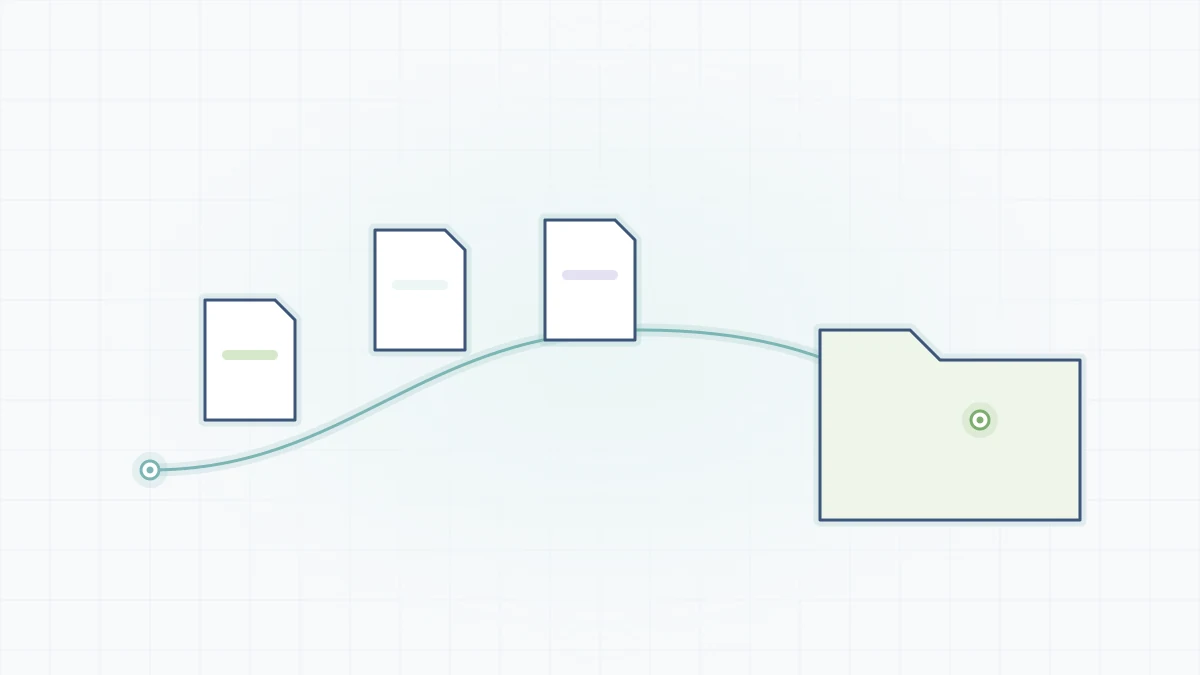
Run the Forge, NeoForge or Fabric installer for your Minecraft version and launch its profile once.
The mod jar plus TerraBlender (1.18+), GlitchCore (1.20.4+, or 1.20.1 from 19.0.0.91) and Fabric API on Fabric.
Place them directly in the mods folder, not in sub-folders and not still zipped.
On 1.18+ any new world works. On 1.17 and older, choose the Biomes O' Plenty world type.
%appdata%\.minecraft\mods~/Library/Application Support/minecraft/mods~/.minecraft/modsThe button below downloads the Biomes O' Plenty project straight from its GitHub repository as a ZIP of the 26.3 branch.
Download Biomes O Plenty ModThis archive contains source code for developers or for building the mod yourself. It is not a jar for your mods folder. Players normally install a built release for their exact version and loader; see where to download Biomes O' Plenty safely.

Focused articles for the questions players ask most often.
Most problems are version mismatches, not bugs. More detail in the crash fixes guide.
A required library is missing or for the wrong version. Download it for the same Minecraft version and loader.
The jar targets another loader or Minecraft version. Replace it with the file tagged for your exact setup.
You are in chunks generated before the mod was added. Explore far away or make a new world; on 1.17 and older use the Biomes O' Plenty world type.
Wrong Java runtime. 1.12.2 uses Java 8, 1.18 to 1.20.4 use Java 17, and 1.20.5+ need Java 21 or newer.
The GitHub archive is source code. Use a built release jar from the developers, or build the project yourself with Gradle.
Twenty answers in two categories. Arrow keys move between questions.
Biomes O' Plenty is a Minecraft: Java Edition mod developed by Glitchfiend. It adds a large set of new biomes to the Overworld, Nether and End, along with new plants, flowers, trees and building blocks.
Yes. The Java Edition mod is distributed by its developers without charge on their project pages. The separate Bedrock Add-On is sold through the Minecraft Marketplace, where pricing is set by the Marketplace.
It downloads a ZIP archive of the 26.3 branch of the Glitchfiend/BiomesOPlenty repository on GitHub. That archive contains source code, not a ready-to-play jar. To play, most people use a built release file for their Minecraft version and loader.
It depends on your Minecraft version. Recent versions are published for Forge, NeoForge and Fabric, while legacy lines such as 1.12.2 use Forge. Always pick the file whose loader tag matches the loader you installed.
TerraBlender is required for Minecraft 1.18 and newer. GlitchCore is required for 1.20.4 and newer, and for 1.20.1 from mod version 19.0.0.91. The Fabric version also needs Fabric API.
On Windows it is %appdata%\.minecraft\mods, on macOS ~/Library/Application Support/minecraft/mods and on Linux ~/.minecraft/mods. Launch your loader profile once and the folder is created if it is missing.
On 1.18 and newer, yes, but only chunks generated after installing the mod can contain its biomes. Areas you already explored stay the same. On 1.17 and older you need a new world created with the Biomes O' Plenty world type. Back up your world first.
Put the same mod and library files on the server and on every client. From 1.18 onward no server.properties change is needed. For 1.15 to 1.17 set level-type to biomesoplenty, and for 1.12.2 and older set it to BIOMESOP, then generate a new world.
Yes. The developers publish built releases on mod platforms including Modrinth and CurseForge, with each file tagged by Minecraft version and loader.
Use files uploaded by the developers on their own project pages or the GitHub repository. Avoid sites that hide the file behind redirect pages, offer .exe installers, or ask you to disable antivirus software. A real mod file is a .jar you copy into a folder.
The jar mod only works on Java Edition. For Bedrock, the project page points to a separate Bedrock Add-On on the Minecraft Marketplace. Java files cannot be installed on Bedrock, and Bedrock add-ons cannot be installed on Java.
Yes, for recent Minecraft versions the developers publish Fabric builds alongside Forge and NeoForge builds. The Fabric build needs Fabric API, TerraBlender for Fabric and, on newer versions, GlitchCore.
Legacy 1.12.2 builds exist and run on Forge with Java 8. On that version the new biomes appear only in worlds created with the Biomes O' Plenty world type, and servers need level-type=BIOMESOP.
Yes, 1.20.1 is a popular version for the mod. You need TerraBlender for 1.20.1, and GlitchCore as well if your mod build is 19.0.0.91 or newer. Check the release page for the loaders available for the build you choose.
The mod adds biomes to the Overworld, the Nether and the End. Each only appears in newly generated chunks of that dimension.
Alongside the biomes it adds new plants, flowers, trees and building blocks, including new wood types that builders often use for their colour palettes.
With cheats on, use /locate biome biomesoplenty: followed by the biome ID on 1.19 and newer, or /locatebiome on 1.16 to 1.18. Press Tab after the namespace to see every available biome ID.
TerraBlender exists so that several biome mods can add biomes to the same world in a compatible way. Combinations still vary, so add mods one at a time and test in a fresh world before committing to a long-term save.
The Modrinth listing allows it in Modrinth-hosted modpacks if you do not rehost the mod, only use builds uploaded by the developers, do not sell the pack or access to the mod, and follow the license for your version.
Generating brand-new chunks with dense forests takes more work, especially while exploring quickly. Lower render distance, sensible memory allocation and pre-generating chunks on servers keep things smooth.